Budgets and rules for every key
Limits
| Limit | Applies to | When it's reached |
|---|---|---|
| Total budget | A key, a member or a team | Requests stop with a clear 429 error |
| Budget per period | Per minute, hour, day, week or month | Requests stop until the period resets |
| Credits | The organisation | Requests on credits stop; your own keys keep working |

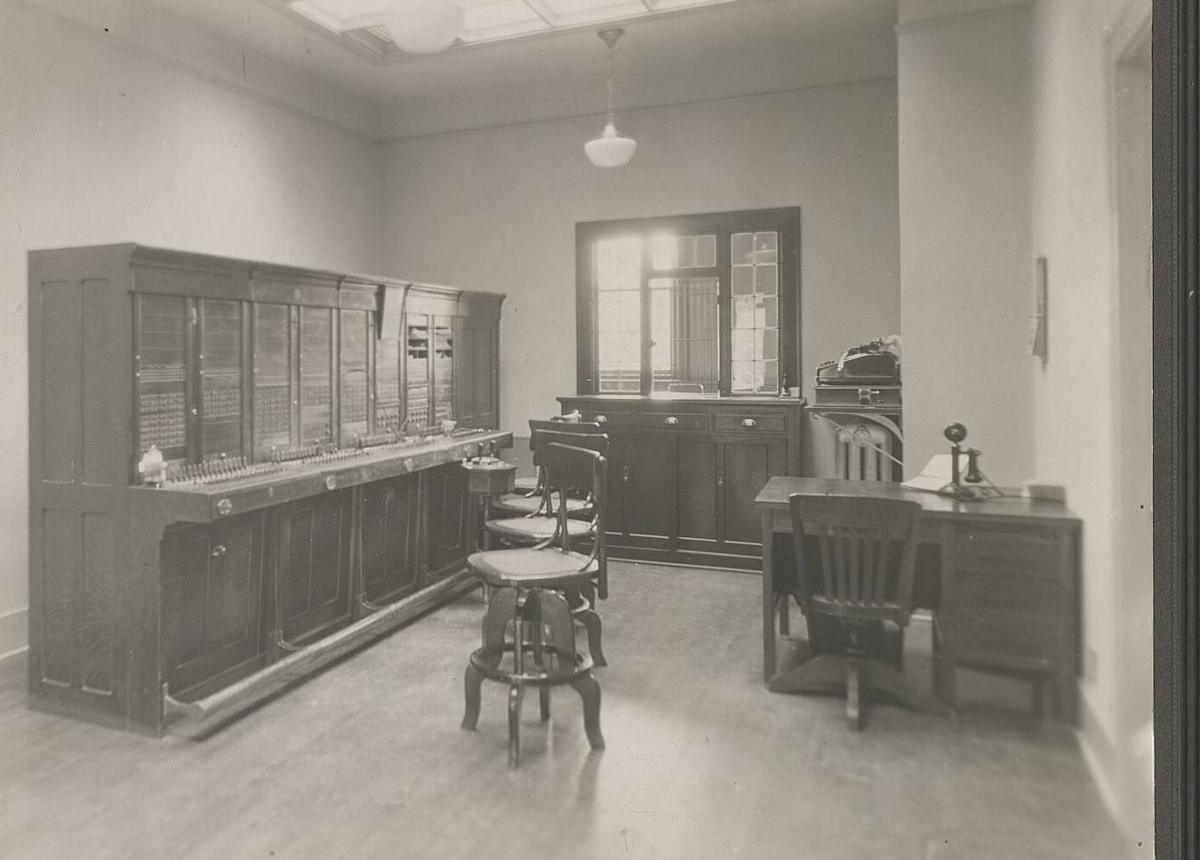
In 1953 an operator put each call through by hand. DigitSpace routes every request.
Switchboard operators, NIH Clinical Center, 1953. NIH History Office, public domain, via Wikimedia Commons.
Access rules
Rules can be set on a key, a member and a team. A request has to pass every level that has a rule, so a key can narrow its team's rules but never widen them.
| Rule | What it does |
|---|---|
| Allow or deny models | Only these models, or never these |
| Allow or deny providers | Only these providers, or never these |
| Price rules | Free models only, paid only, or a maximum price per million tokens |
| IP ranges | Only calls from these ranges, or never from these |
Teams and roles
- Owners and admins
- Manage billing, keys, members and every project.
- Project admins
- Manage the projects they're given.
- Developers
- Use and create keys in their projects, within their budget.
Questions
.jpg)

What does a blocked request look like?
A 429 with type budget_exceeded for budgets, or a 403 for a rule, with a message saying which limit or rule stopped it.
Can I give a contractor a key with a hard cap?
Yes: a key with a total budget and an expiry date, limited to the models you choose.
Are there limits I don't set?
New organisations have daily and monthly spending caps that rise with account age and spend, to protect you and us from abuse. The limits page in your dashboard shows yours.
Read next
Live in a minute.
Create a key, change the base URL, send a request. No card needed with your own provider keys.
Start free