The right model for each request
Why one model for everything costs too much
Most requests don't need the biggest model. Summarising a ticket, tagging a message or rewriting a sentence is done just as well by a model that costs a tenth as much.
Hard-coding one model means paying the top price for every request, or getting weak answers on the hard ones. Routing decides per request instead.

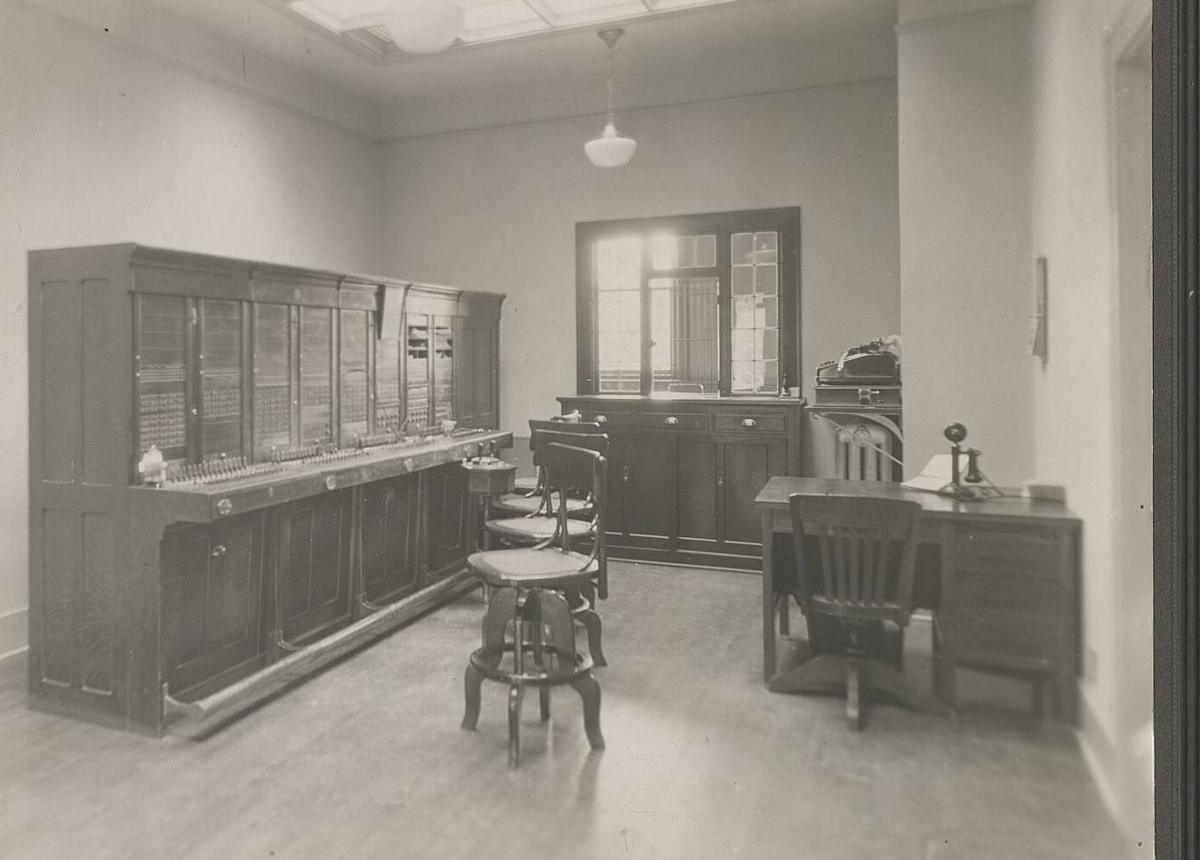
In 1953 an operator put each call through by hand. DigitSpace routes every request.
Switchboard operators, NIH Clinical Center, 1953. NIH History Office, public domain, via Wikimedia Commons.
The three quality levels
Set a level for the project, or ask for one in the request with "auto:economy", "auto:balanced" or "auto:best".
| Level | Models allowed | Good for |
|---|---|---|
| Economy | Every model in the auto pool | High volume, simple text: tagging, summaries, extraction |
| Balanced (default) | Standard and advanced models | Most product features and chat |
| Best | Advanced models only | Hard reasoning, long agent runs, code |
Requests that need tools or reasoning always get at least a standard model, whatever the level.
How a model is chosen
Needs.
The request is read for images, tools, a JSON schema, reasoning and its size.
Shortlist.
Only models that support all of it, and that your rules allow, stay on the list.
Rank.
Healthy providers first, then by your strategy: price, latency, or a 50/50 balance.
Answer.
The response says which model answered, and the "x-digitspace-provider" header names the provider.
Use it
Change "model" to "auto". Nothing else in your code changes.
from openai import OpenAI

client = OpenAI(base_url="https://api.digitspace.ai/v1", api_key=DIGITSPACE_API_KEY)

reply = client.chat.completions.create(
    model="auto:balanced",  # or "auto", "auto:economy", "auto:best"
    messages=[{"role": "user", "content": "Summarise this ticket in two sentences."}],
)
Keep control when you need it
- Pin a model
- Name it, e.g. "claude-sonnet-5-5". Routing then only chooses among its providers.
- Pin a provider
- Name "anthropic/claude-sonnet-5-5" to always use that provider.
- Choose the strategy
- Send "X-DigitSpace-Routing: price" or "latency" on a request, or set it for the project.
Questions
.jpg)

Which models can auto choose?
The models in the auto pool, which our team keeps current and labels basic, standard or advanced. Your project's rules can narrow it further.
Will auto change models without telling me?
Each response names the model that answered, and every request is logged with it, so you can always see what was used.
Does auto cost extra?
No. You pay the chosen model's price like any other request.
Can I use auto with the Anthropic API?
Yes. Send "auto" as the model to /v1/messages and the answer comes back in Anthropic's format, whichever model served it.
Read next
Live in a minute.
Create a key, change the base URL, send a request. No card needed with your own provider keys.
Start free